
What's new
Every Tactile release, newest first. Follow along with the RSS feed.
-
0.3.1
A menu bar icon that matches Latest
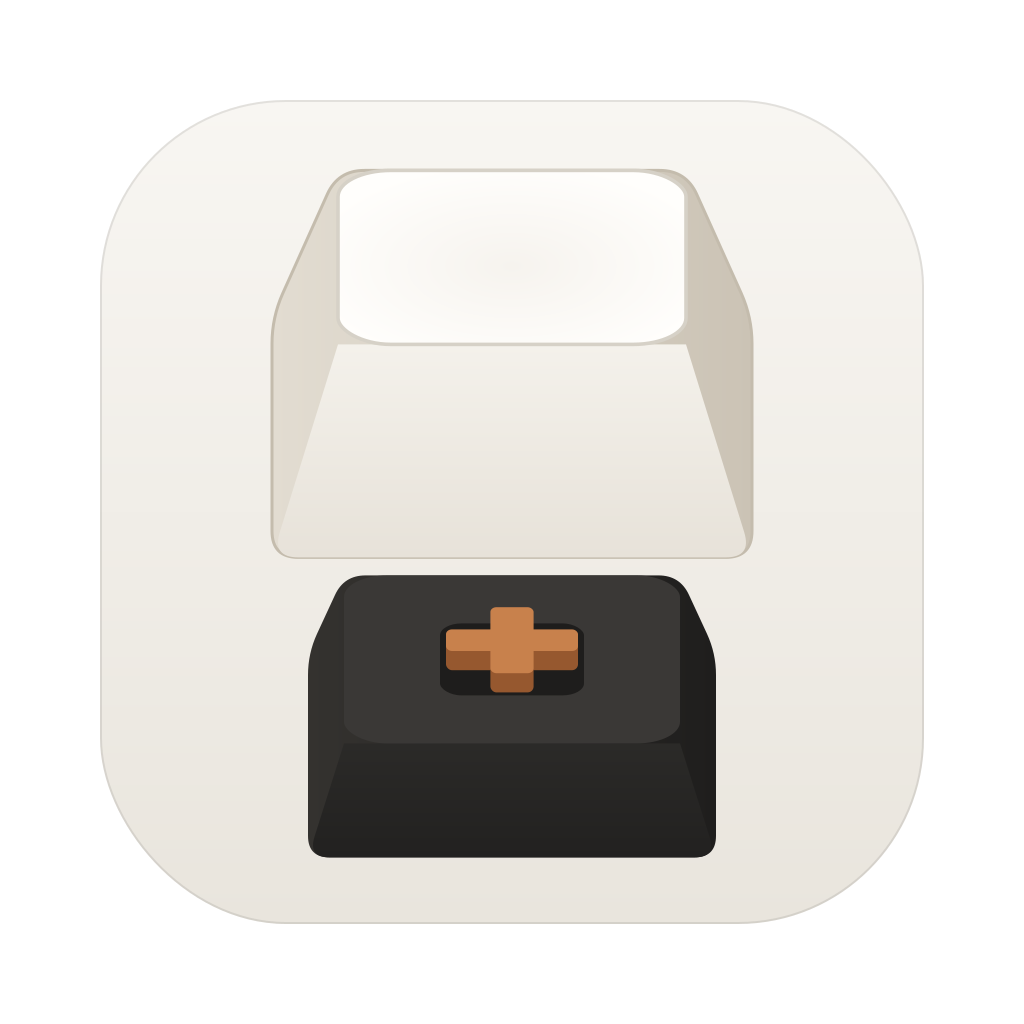
- NewThe menu bar icon is now the Tactile logo, a keycap lifted off its switch: filled when sound is on, outlined when off, faded while auto-muted.
-
0.3.0
Snappier sound, your own shortcut
- FasterKeys sound faster on speakers and wired headphones: about 3 ms instead of 12 ms.
- NewTurn off sounds for modifier keys (⇧ ⌃ ⌥ ⌘), so shortcuts like ⌘C click once.
- NewPick your own on/off shortcut instead of ⌃⌥K.
- BetterThe menu bar icon fades while Tactile is auto-muted, and the menu says why.
-
0.2.0
Knows when to be quiet
- NewGoes quiet while your mic is in use: calls, dictation, voice memos (macOS 14+).
- NewMute Tactile in apps you choose, like games or Zoom.
- NewLets you know when a new version is out (a once-a-day check you can turn off).
- NewA welcome window walks you through the one permission Tactile needs.
- BetterSaves battery: audio pauses after a minute without typing.
- FixedCaps Lock clicks once per press, and switching sounds no longer stutters.
- NewNew app icon: a keycap lifted off a tactile switch.
-
0.1.0
First release
- 24 real mechanical switch sounds, with separate press and release sounds.
- Spatial sound (left keys left, right keys right), natural pitch variation, and their own sounds for space, return and delete.
- Follows AirPods and Bluetooth headphones when they connect.
- ⌃⌥K on/off shortcut, launch at login, and a folder for your own sound packs.